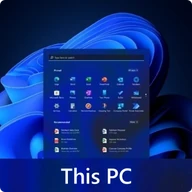
Click to download now, finish the installation quickly, and directly unlock the all-round experience
Screenshots
Click to download now, finish the installation quickly, and directly unlock the all-round experience
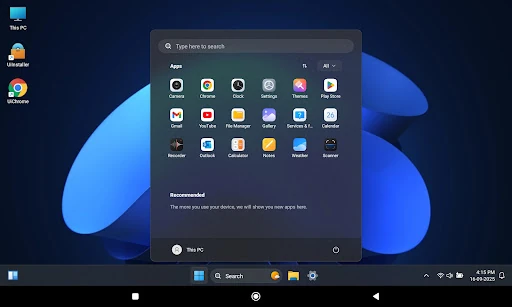
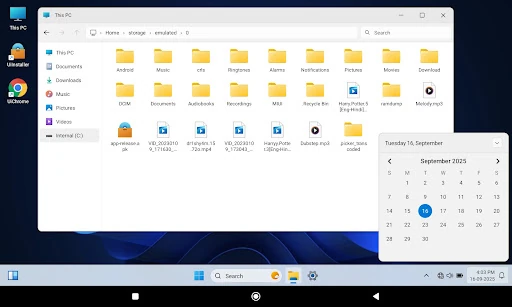
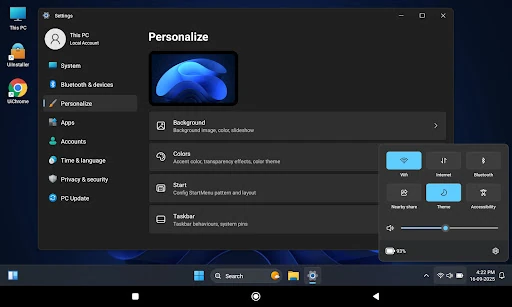
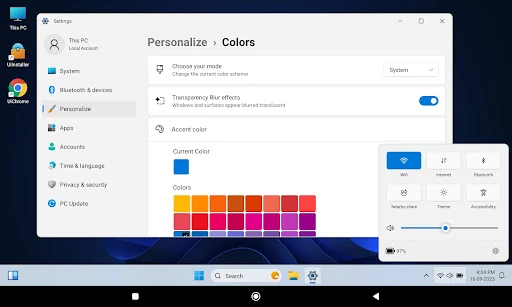
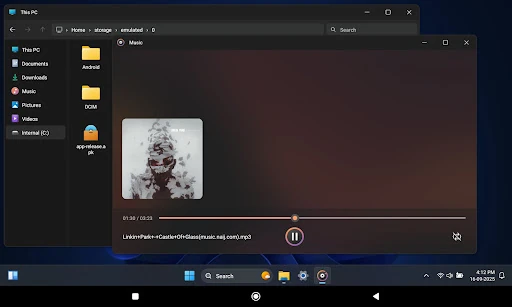
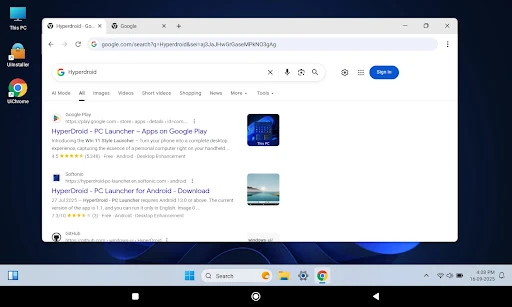
HyperDroid - PC Launcher replaces the standard Android home screen with a layout inspired by a Windows desktop. It is designed for users who prefer a familiar computer-style interface on a phone or tablet, especially those who want apps, shortcuts and files arranged in a more structured workspace.
The launcher brings together a taskbar, Start menu and desktop grid so common actions follow a PC-like pattern. Apps and folders can be placed as desktop shortcuts, making it easier to keep frequently used tools in consistent positions rather than relying only on a conventional Android app drawer.
HyperDroid is a practical choice for tablet owners and users with larger phones who have enough screen space for a denser desktop layout. It can also suit people moving between Windows computers and Android devices, since the taskbar and Start menu provide familiar points of reference. On smaller displays, the extra controls and desktop elements may feel more crowded than a minimalist launcher.
The launcher has a 4.72 out of 5 rating from 13,065 reviews and has passed 1,000,000 installs. It is listed in the Personalization category and is developed by binary inc. The package name is com.binary.hyperdroid. Overall, it focuses on changing how Android is organized and navigated rather than simply applying a new wallpaper or icon theme.