Click to download now, finish the installation quickly, and directly unlock the all-round experience
Screenshots
Click to download now, finish the installation quickly, and directly unlock the all-round experience
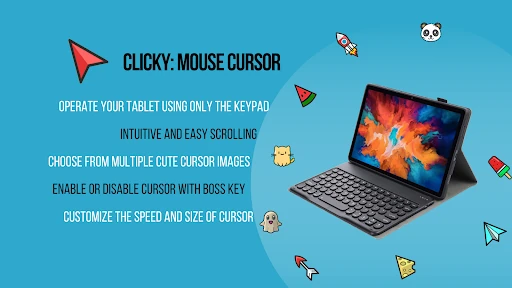
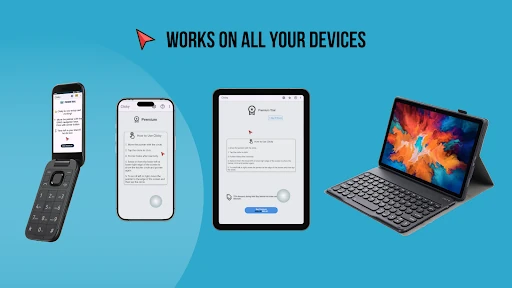
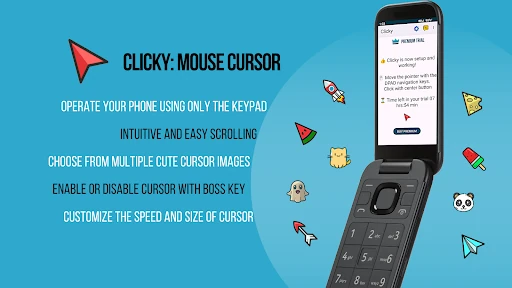
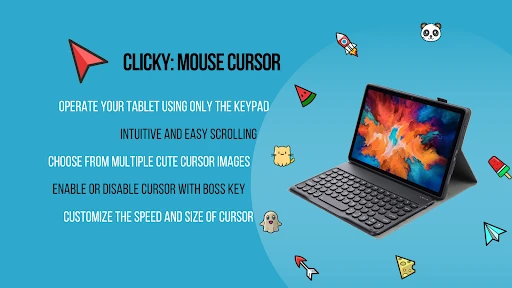
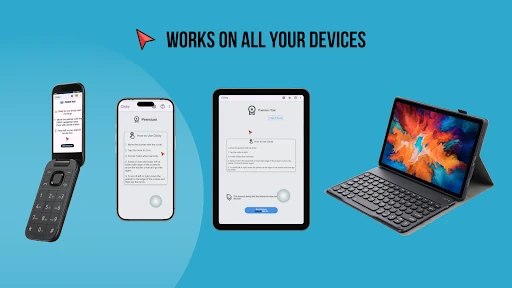
Clicky: Mouse Cursor adds a movable pointer over the Android interface, giving you another way to select and control items on screen. It is suited to Android-based keypad phones that rely on a D-pad, as well as smartphone users who want easier one-handed navigation on a large display. The app is listed under Personalization and is developed by starklyte.
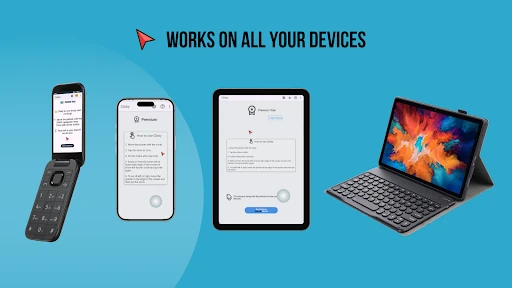
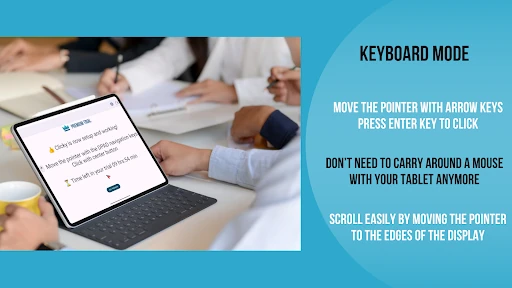
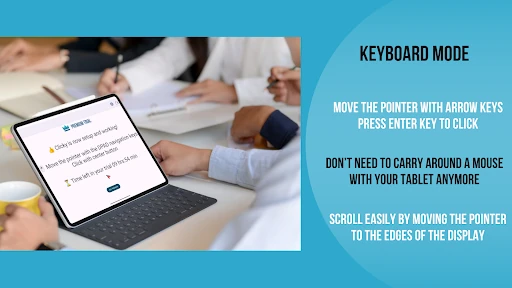
On compatible feature phones, the physical navigation keys can move the cursor, while the center button can be used for selection. This can make touch-focused parts of Android more usable on devices that do not offer a conventional touchscreen experience.
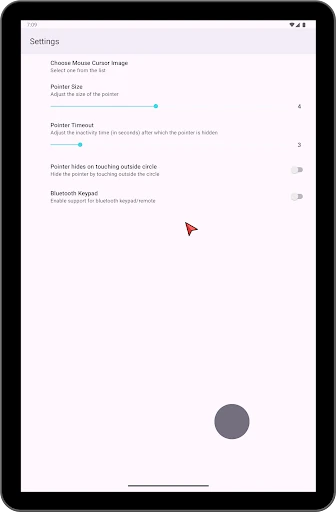
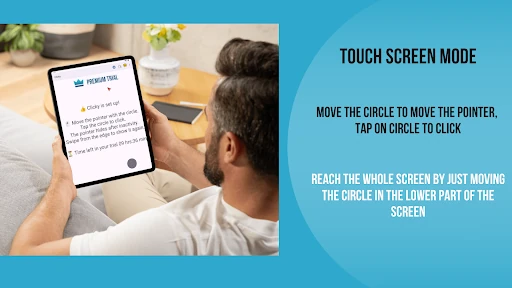
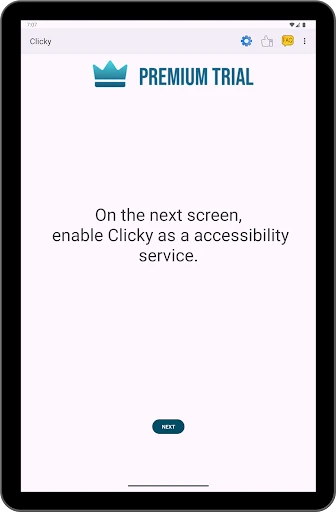
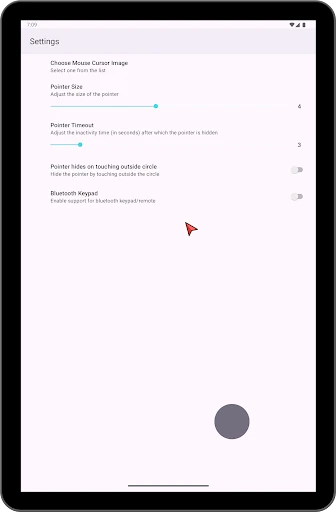
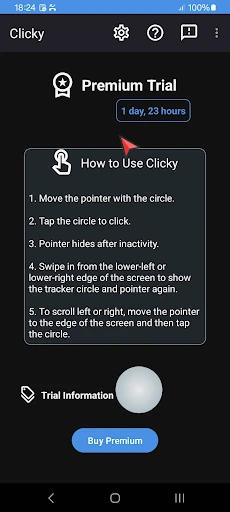
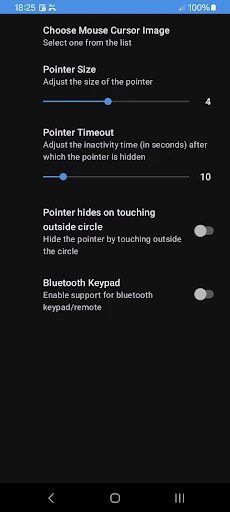
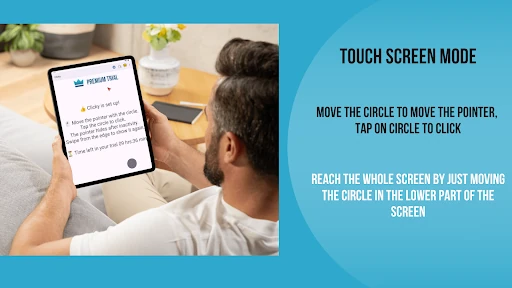
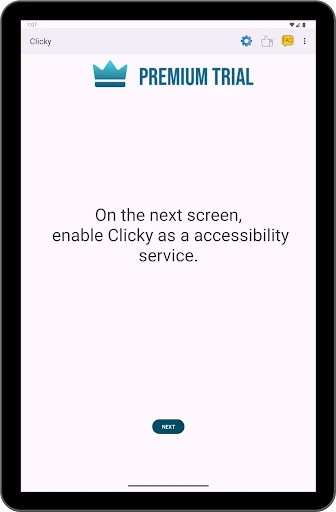
On touchscreen phones, Clicky provides an on-screen control method that can be opened with an edge swipe. This lets you move the pointer toward distant areas of the display without repeatedly stretching your thumb across the screen. The app uses Android accessibility functions to carry out pointer actions and touch gestures.
Because it stays above other apps, the cursor is intended for ongoing navigation rather than use inside a single application. Its usefulness will depend on your phone’s hardware, Android version, and comfort with the selected control method.
Clicky: Mouse Cursor has a 3.8 rating from 336 reviews and has recorded 100,000+ installs. It is a practical choice for keypad-based Android devices and for people looking for a more controlled, one-handed way to move around a large touchscreen.