
Click to download now, finish the installation quickly, and directly unlock the all-round experience
Screenshots
Click to download now, finish the installation quickly, and directly unlock the all-round experience
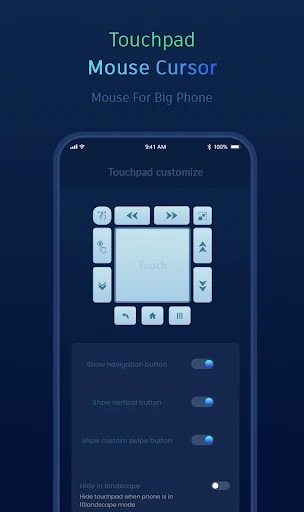
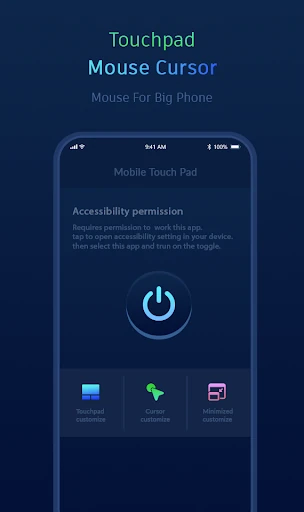
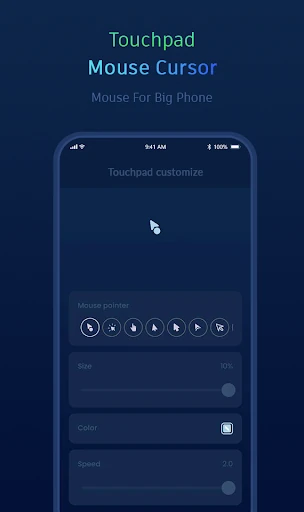
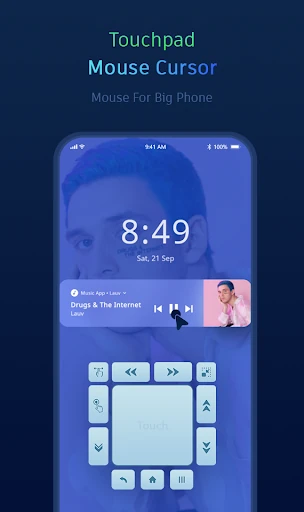
Mouse Cursor Touchpad turns part of your Android screen into a virtual mouse-style control area. It lets you move a visible cursor, tap, long-press, drag, drop and scroll without reaching every part of the display directly. The app is suited to people using large phones or tablets, one-handed operation, or anyone who finds edge-to-edge navigation uncomfortable.
The cursor can be used for common touch actions while the app also provides shortcuts for system navigation. Depending on the configured controls, users can access Home, Back and Recent Apps, open notifications, and operate content from a more convenient position on the screen. This can be useful when browsing, viewing media, or handling apps that place important buttons near the far edges.
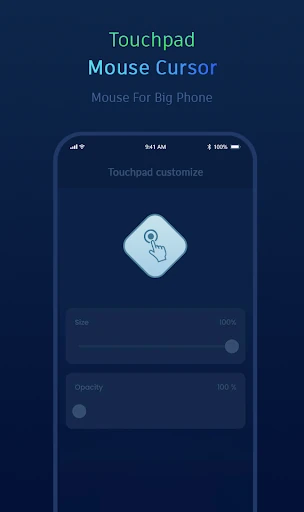
Mouse Cursor Touchpad focuses on adapting the controls to different grips and screen layouts. Users can change where the tracker and activation areas appear, while keyboard-related behavior helps reduce overlap when typing. The app also includes backup and restore options for its settings, which is helpful when moving between configurations or resetting a device.
Mouse Cursor Touchpad is listed in the Tools category and is developed by Sarva Info. It has reached 100,000+ installs and has a rating of 2.07 out of 5 from 504 reviews. The low average rating suggests that the experience may vary considerably by device, Android version, or user expectations, so it is best suited to users who specifically need cursor-based touch controls.